Updates and support
Updates and support are optional. Nothing is locked.
The plugins are GPL and every feature works without a license, forever. A license key adds automatic updates and support. That is all it does.
The model
What you pay for, and what you do not
Setup and customization
This is the paid work. We install, configure and customize it for your business, and build connectors you need. It is quoted per business.
Updates and support
Optional. A license key adds automatic updates and support. During the beta these are by arrangement, and there is no price list.
Everything else
Free. No feature is gated. No per-seat, per-minute or per-conversation fees to us. You pay the AI and voice vendors at cost.
How the optional license works
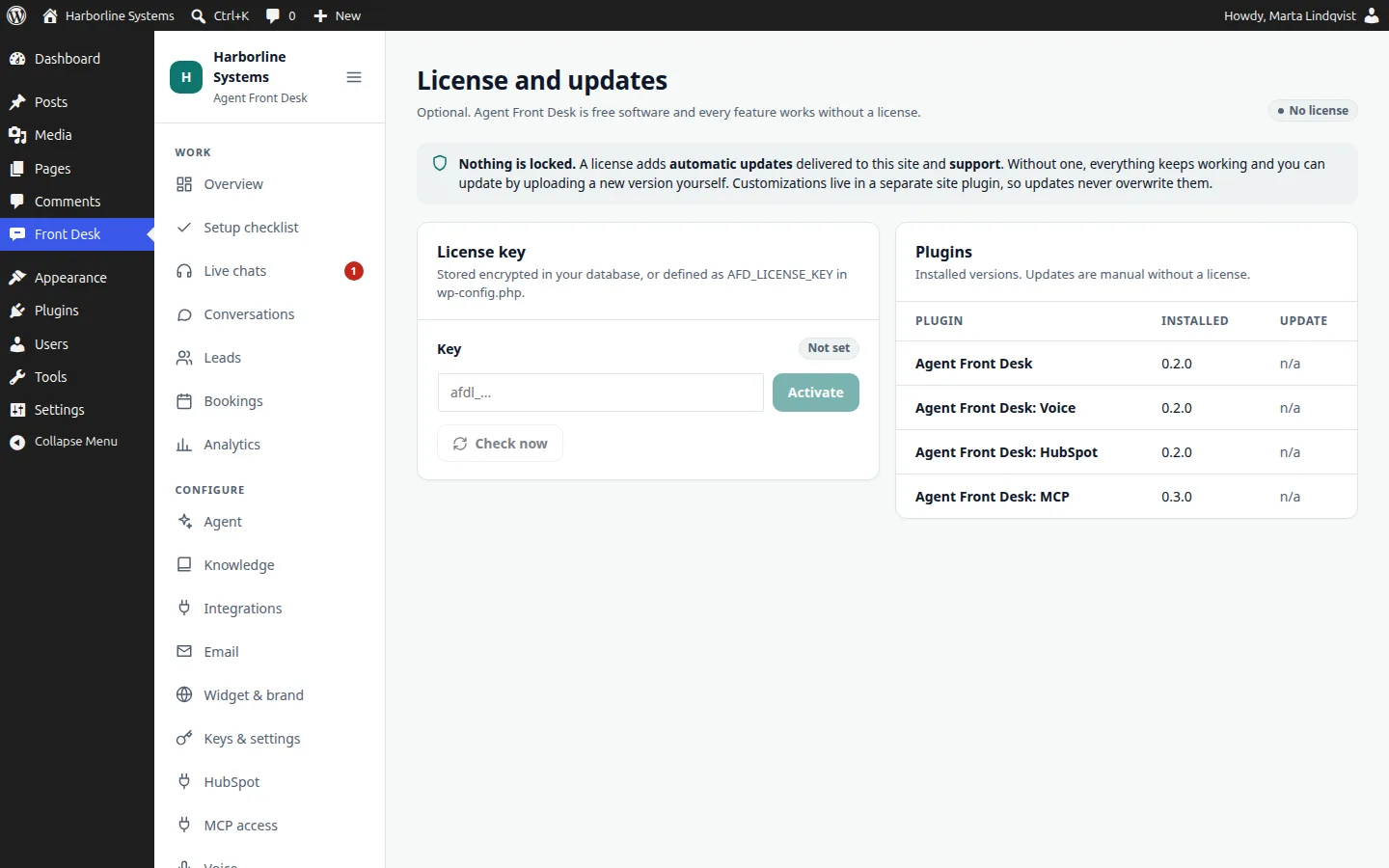
- Enter a key in wp-config.php or on the License and updates screen
- Updates appear under Dashboard, Updates and Plugins like any plugin update, each a short-lived signed download checked by checksum
- An unlicensed site never contacts the update server and shows no notices outside the License screen
- A network error never switches a working license off
- Without a license you update by uploading a new zip
- The update server address can be overridden, for a mirror or staging
Why customizations survive
Your changes live in your plugin
Plugin folders are replaced on every update. Anything we build for you, such as a CRM or calendar connector, goes in a separate site plugin on our documented extension API, so an update cannot overwrite it.
Updates and support questions
How do updates work?
The plugins are GPL and every feature works without a license, forever. An optional license key adds automatic updates and support, delivered to your site like any plugin update. Without one, you update by uploading a new zip. Terms are by arrangement during the beta.
What does the beta cost?
Each implementation is quoted per business after a short call, and you get the quote in writing before anything is built. There is no price list during the beta. AI, voice and email usage is paid to those vendors at cost, on your own accounts. Updates and support are by arrangement.
What happens to my website if I stop using it?
Deactivate the plugins and your site is untouched. Uninstalling removes the plugins’ tables, options and staff role. You keep your pages, your keys and your accounts.
Ask about updates and support
Tell us what you need and we will say what we can offer in the beta.