CRM
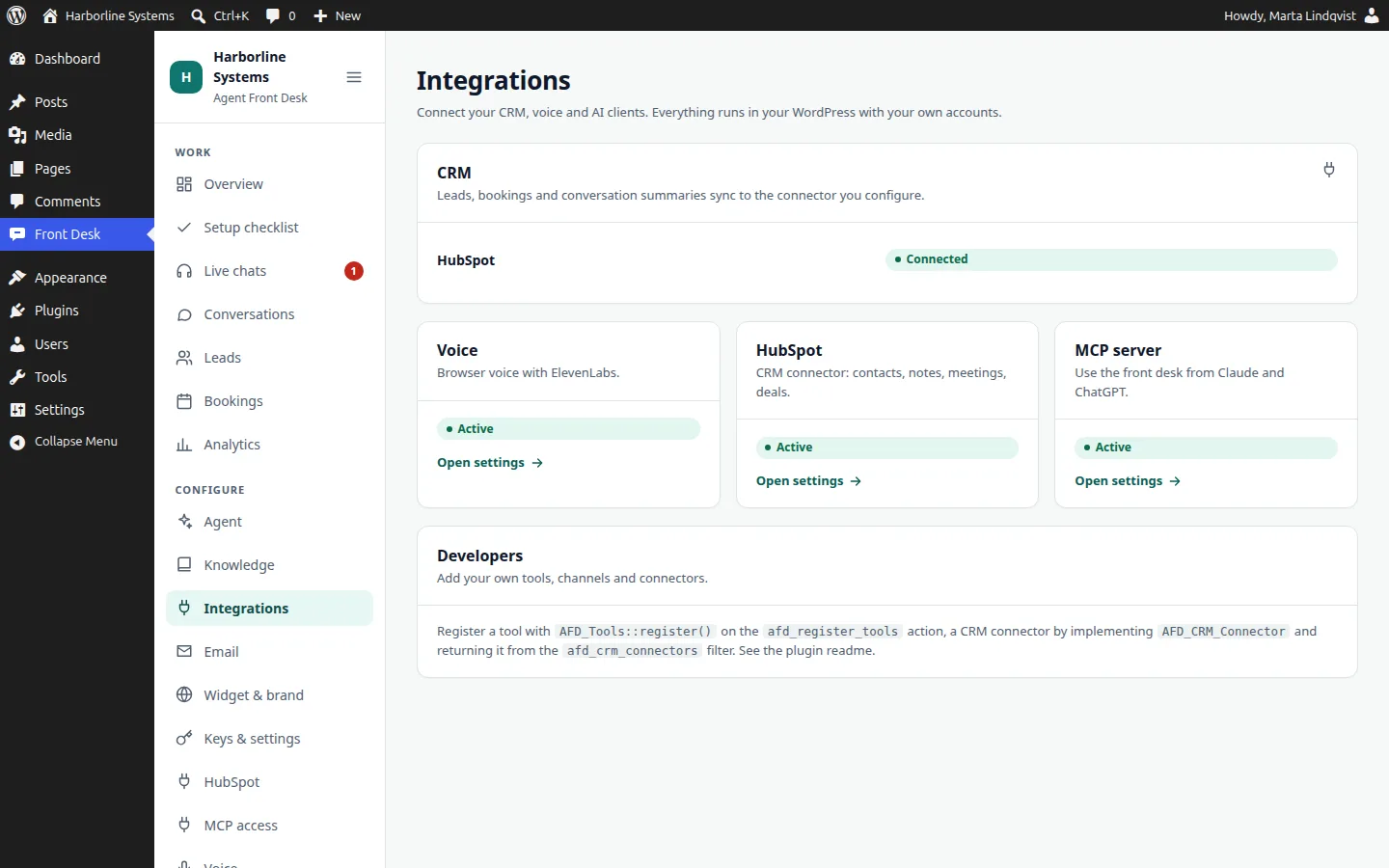
Built inHubSpot built in. Others connected during implementation.
HubSpot connects with a private app token and syncs contacts, notes and meetings, plus companies, deals and owners when the scopes allow. Other CRMs are built as a small plugin on the documented connector interface, scoped and quoted up front.
HubSpot integration
Calendar
By connectorBooking rules built in. Real calendars by connector.
The assistant proposes times from your booking rules minus your own bookings. For free and busy and calendar events from Google, Outlook or Cal.com, we build a calendar connector as a site plugin.
Email
Built inYour own wp_mail setup
Confirmations, follow-ups, handover notices and hot-lead alerts go through WordPress mail, so any SMTP or transactional plugin works. A sandbox allowlist keeps testing safe.
Voice and AI
Built inElevenLabs voice, Claude chat
Voice runs on ElevenLabs with a stock voice you pick. Chat runs on Claude. Both bill to your accounts at the vendors’ prices.
MCP clients
Built inChatGPT, claude.ai, Claude Code, Claude Desktop
The MCP add-on is a remote MCP server with OAuth 2.1 for the ChatGPT and claude.ai connectors, and tokens or application passwords for Claude Code and Claude Desktop.
MCP add-on
Notifications
By connectorEmail built in. Slack, Teams, SMS by channel.
Extra channels are notification channels in a site plugin on the extension API.
Extension API
Your own systems
By connectorCustom connectors
Order, booking, ticketing or inventory systems connect as tools in your own plugin. A built-in MCP client add-on is planned.
Extension API
Your website
Built inWordPress. Other sites as a custom option.
The plugins run on WordPress 6.6 or newer. For sites that are not on WordPress, we can deploy the same assistant as a separate app in your own cloud account.
WordPress suite